Add SaiCore documents to favorites
Coming with SaiCore 1.7, you can add SaiCore documents to your favorites !
To do so, go to Documents Mode, select a document and click on in the Documents toolbar.
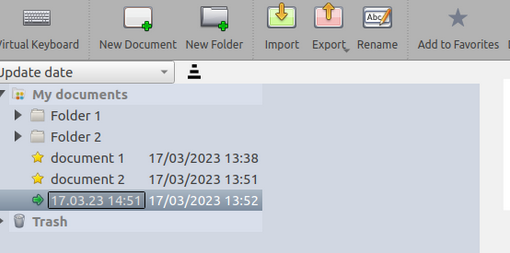
Quickly switch between documents
Your favorite documents will appear in the SaiCore Library, under 
Each SaiCore document ( ) can then be dragged and dropped to the Board !
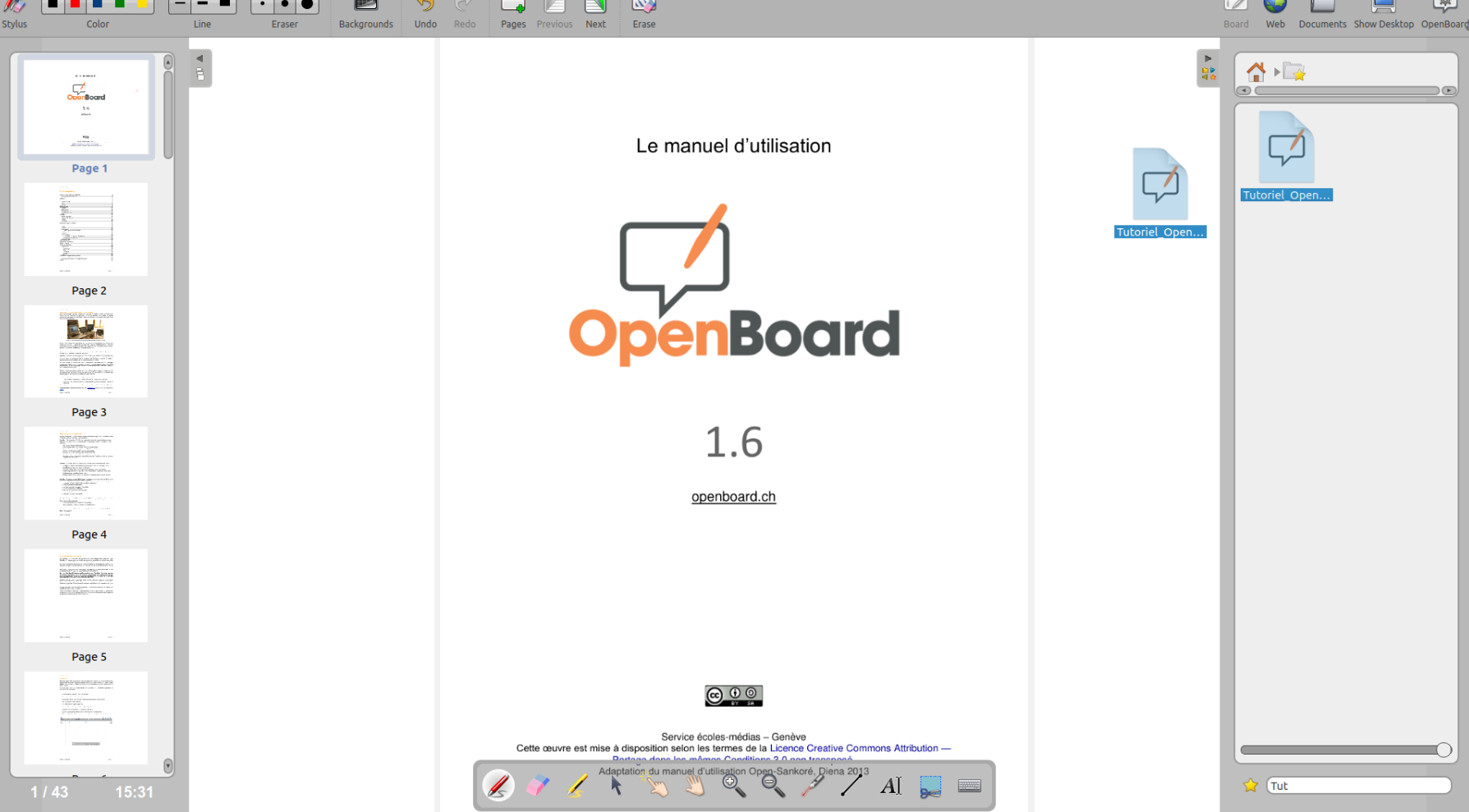
 You can use the search bar at the bottom of the SaiCore Library to quickly find a document by its name
Recently open documents
Every document you open is temporary added to the favorites so you can switch between each one of them during a session, without the need for them to be explicitely marked as favorites.
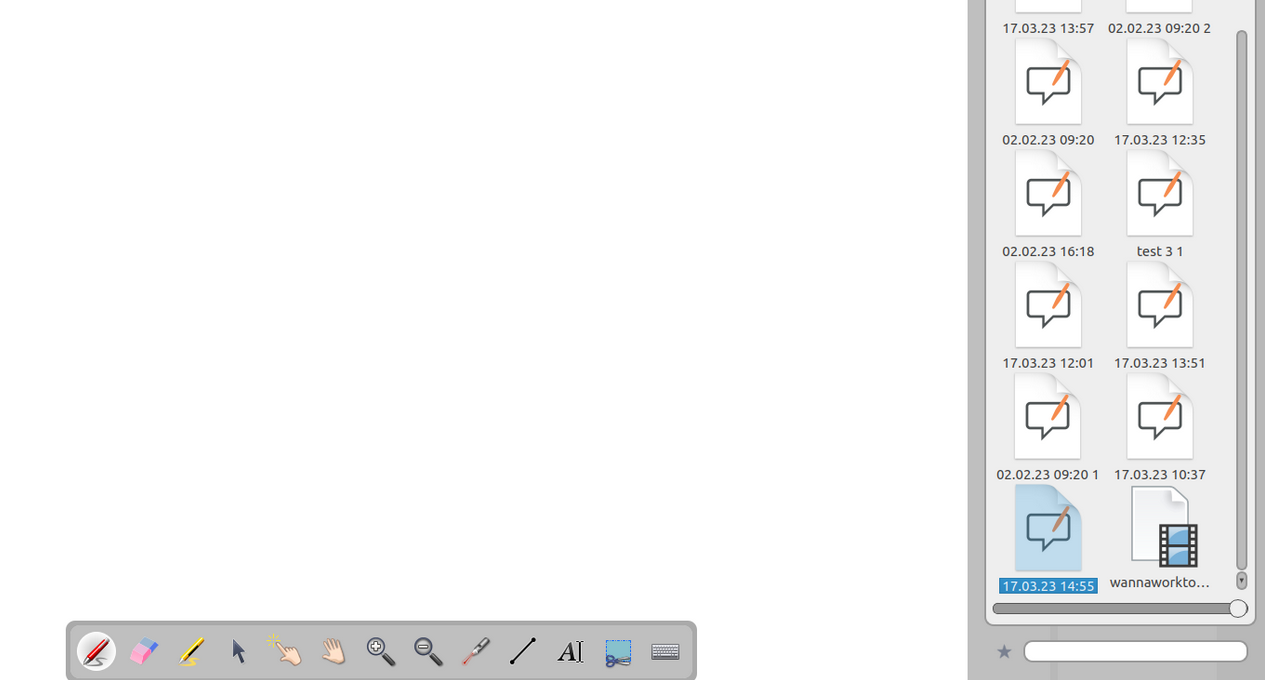 If you want to permanently add a recently open document in your favorites, you can do so via the SaiCore Library : select it and click on